Raycast 2.0 Is Now in Public Beta: Windows Support, Faster Search, and What Actually Changed
Raycast 2.0 launched in public beta on May 14. Windows users can install it now. Mac users need macOS 26 Tahoe. Here is what actually changed and whether it is worth installing.
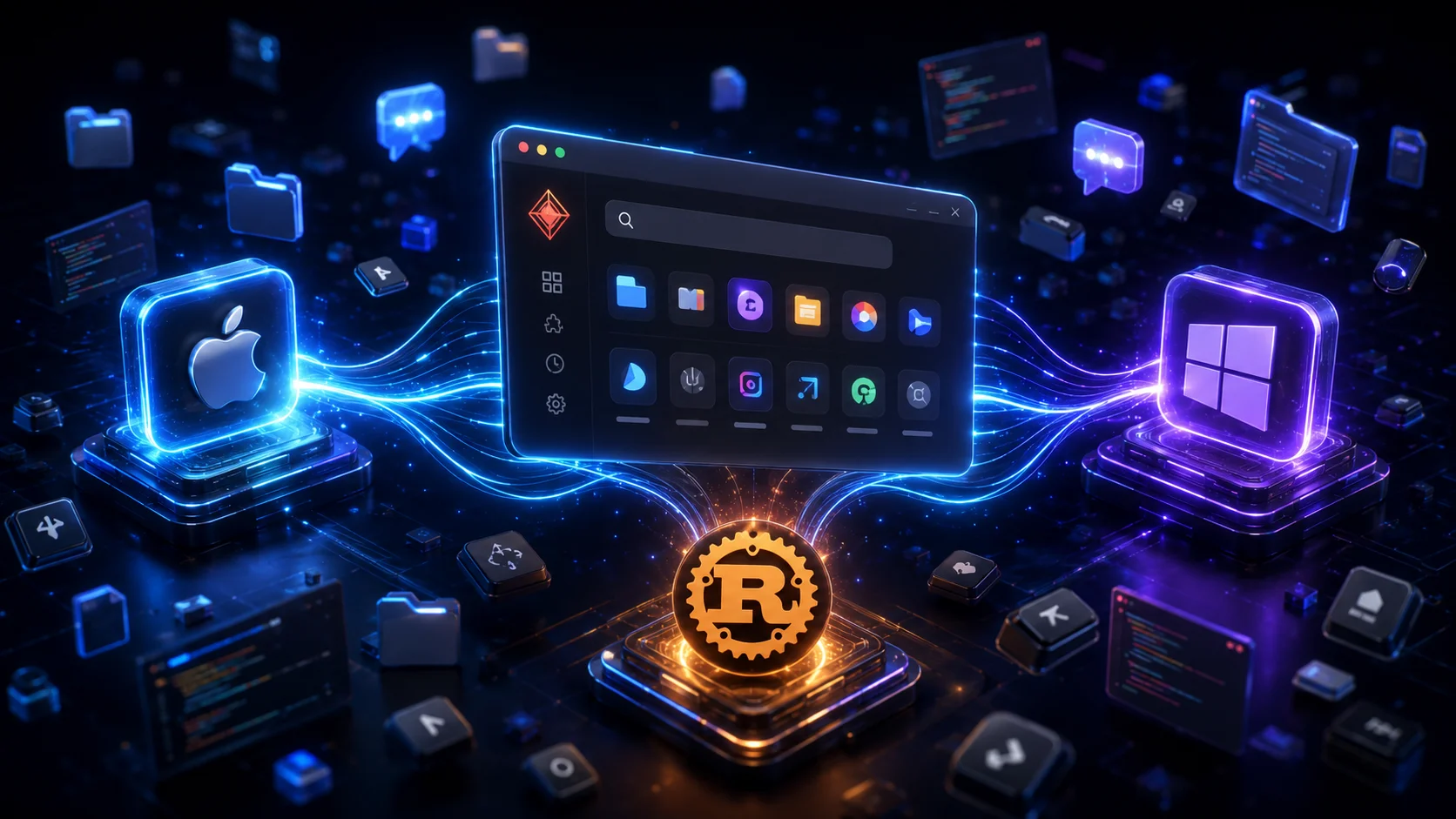
Raycast launched in 2020 as a Mac-only launcher and quietly became the default productivity layer for a significant portion of the developer community. Yesterday, it became cross-platform.
Raycast 2.0 is now in public beta on both macOS and Windows. Windows users can install it today. Mac users need macOS 26 Tahoe, which is currently developer beta only. Either way, this is the biggest Raycast release since the original launch five years ago.
Here is what actually changed and whether it is worth installing right now.
What Is New in Raycast 2.0
The headline is Windows support. Raycast has been Mac-only for five years and Windows users have been asking for it since the beginning. The beta is real, it works today, and it is not a watered-down port.
Beyond the platform expansion, v2 brings three changes worth knowing about:
Root Search now finds files and folders directly. In v1, you had to type "f" before a filename to trigger file search. In v2, files, folders, and contacts appear alongside apps and commands in a single unified search. Raycast built a custom Rust-based file indexer to make this work on both platforms without relying on Spotlight on Mac or the Windows Search index, both of which have limitations for this use case. The indexer scans entire drives in seconds and stays updated through file system events.
Built-in AI dictation. You can now dictate text directly through Raycast across any app. This is system-wide, not just inside the Raycast window. The feature works on both Mac and Windows.
Quick AI is free during beta. The AI command bar, powered by GPT-5 mini, is available without a subscription during the public beta period. Launch Raycast, type a question, hit Tab, and get an answer with citations. Once beta ends this moves behind the $8/month Pro tier.
The Architecture Debate Wes Bos Started
Wes Bos tweeted "Raycast 2 is built on React?!" after digging into the architecture and that one question has generated more discussion than anything else about the launch.
Here is what Raycast actually built:
- Native host app on each platform (Swift + AppKit on macOS, C# + .NET 8 + WPF on Windows): handles OS-level things like global hotkeys, menu bar, and window management
- One shared React + TypeScript frontend running in a web view on both platforms: handles all UI and windows (Launcher, AI Chat, Notes, Settings)
- Node backend: owns business logic, database access, extension runtime
- Custom Rust file indexer: purpose-built to avoid Spotlight and Windows Search limitations, the fast bit
The honest answer to Wes Bos's question: yes, the UI layer is React, but it runs in a native web view (WKWebView on Mac, WebView2 on Windows) with native wrappers handling anything that needs OS access. Wes himself confirmed it feels snappy: "Light native wrapper. Rust where it matters. No Electron."
That last part matters. Electron apps bundle a full Chromium browser. Raycast 2.0 uses the platform's own web view and keeps the heavy lifting in Rust. The result is cross-platform without the Electron weight.
The Caveat Mac Users Need to Know
If you are on macOS Sequoia or earlier, you cannot run Raycast 2.0 yet.
The v2 beta requires macOS 26 Tahoe, which is currently only available as a developer preview. Raycast has said support for Sequoia "may come later" but has not committed to it. Your existing Raycast v1 continues to work normally on all current macOS versions.
The practical situation: Mac users using the macOS 26 developer beta can install and test v2 today. Everyone else waits for either Sequoia support or for Tahoe to ship as a stable release.
Windows users have no such restriction. The Windows beta is available now at raycast.com and installs alongside any existing Windows setup.
Is It Worth Installing Now?
If you are a Windows developer who has been waiting for Raycast: yes, install it. This is the real thing, not a minimal port. Quick AI is free during beta. The launcher, file search, snippets, clipboard history, quicklinks, and window management are all there. Some Pro features like AI Chat and Notes are still coming, but the core experience is solid.
If you are a Mac developer on macOS 26 Tahoe (developer beta): worth installing alongside v1 to test. The import from v1 is straightforward and you can run both simultaneously while v2 catches up on the few remaining features. Use the Send Feedback command in v2 to report anything that feels off.
If you are on macOS Sequoia: nothing to do yet. Keep watching for Sequoia support news from the Raycast team. The v1 experience is unchanged.
For anyone switching between tools, the transition is lower-risk than it sounds. Raycast 2.0 installs as a separate app and runs next to v1. You do not have to migrate until you are ready.
If you are already using another developer productivity tool in your daily workflow, our Notion vs Obsidian vs Anytype comparison covers the note-taking side of the productivity stack. On the terminal side, Warp went open source last week, another tool in the same category of developer workflow improvements worth watching.
Frequently Asked Questions
Do Mac users need to upgrade to macOS 26 Tahoe to use Raycast 2.0?
Yes, during the current beta. Raycast 2.0 on macOS requires macOS 26 Tahoe, which is currently only available as a developer preview. Raycast says support for macOS Sequoia may come later but has not confirmed it. If you are on Sequoia or earlier, you cannot install v2 right now. The stable v1 continues to work normally on all current macOS versions. Mac users can install v1.104.16 or later to prepare for the eventual migration.
Is Raycast 2.0 free for Windows users?
Yes. The core launcher is free on Windows with no subscription required. During the public beta, Quick AI (powered by GPT-5 mini) is also free without a subscription, letting you ask questions directly from the launcher and get answers with citations. Once the beta ends, Quick AI will require Raycast Pro at $8/month. Pro covers both macOS and Windows under one subscription. Teams pricing is $12/user/month. The free tier includes app launching, file search, clipboard history, snippets, quicklinks, and window management.
Why did Raycast rebuild with React instead of staying fully native?
Shipping on two platforms with two separate native codebases would take significantly longer and create diverging user experiences. The v2 architecture uses native host apps on each platform (Swift on macOS, C# on Windows) for anything that requires OS-level access like global hotkeys and menu bar integration. The shared React frontend handles all the UI logic once. The Rust file indexer handles fast file search on both platforms. Wes Bos noted the result is snappy despite the web technology layer, because the heavy lifting stays in Rust and the native wrappers.
Can I use my existing Raycast extensions and settings in v2?
During onboarding, Raycast v2 prompts you to import your settings from v1 automatically. If you skip this step, you can run it manually later. For extensions, running npx @raycast/api@latest dev will pick up the beta version automatically if it is running. Extensions that have not been updated for v2 may have issues. The Raycast team notes that a few features are still being built and some extensions may not work fully yet. The safe approach is to install v2 alongside v1 and migrate gradually.
How does Raycast 2.0 compare to Alfred for Mac or PowerToys for Windows?
Alfred is Mac-only and fully native but lacks built-in AI, cloud sync, and the extension ecosystem Raycast has built. For developers who have invested in Alfred workflows, the migration cost is real. PowerToys Run on Windows is free and open source but has no AI, no cloud sync, and a smaller extension library. Flow Launcher is the closest free Windows alternative with plugin support. Raycast 2.0 is the first launcher to bring a full AI-integrated, cross-platform experience with a curated extension store to both platforms simultaneously.
Get honest tool comparisons in your inbox
Join 50+ indie hackers and solo developers who get new comparisons, pricing changes, and tool picks. No spam. Unsubscribe anytime.
Related Articles
When to Use Per-Token Inference vs Renting a GPU by the Hour
A dedicated H100 costs about $53 a day. That buys 165 million output tokens on a...
Modal vs Replicate vs Baseten for Indie Hackers in 2026
Every comparison ranks these three by hourly GPU rate. Run the same workload thr...

When to Use LiteLLM Self-Hosted vs a Managed AI Gateway
ChatGPT, Claude and Grok all went down on the same morning. A gateway is how you...